Working Dates Calculator
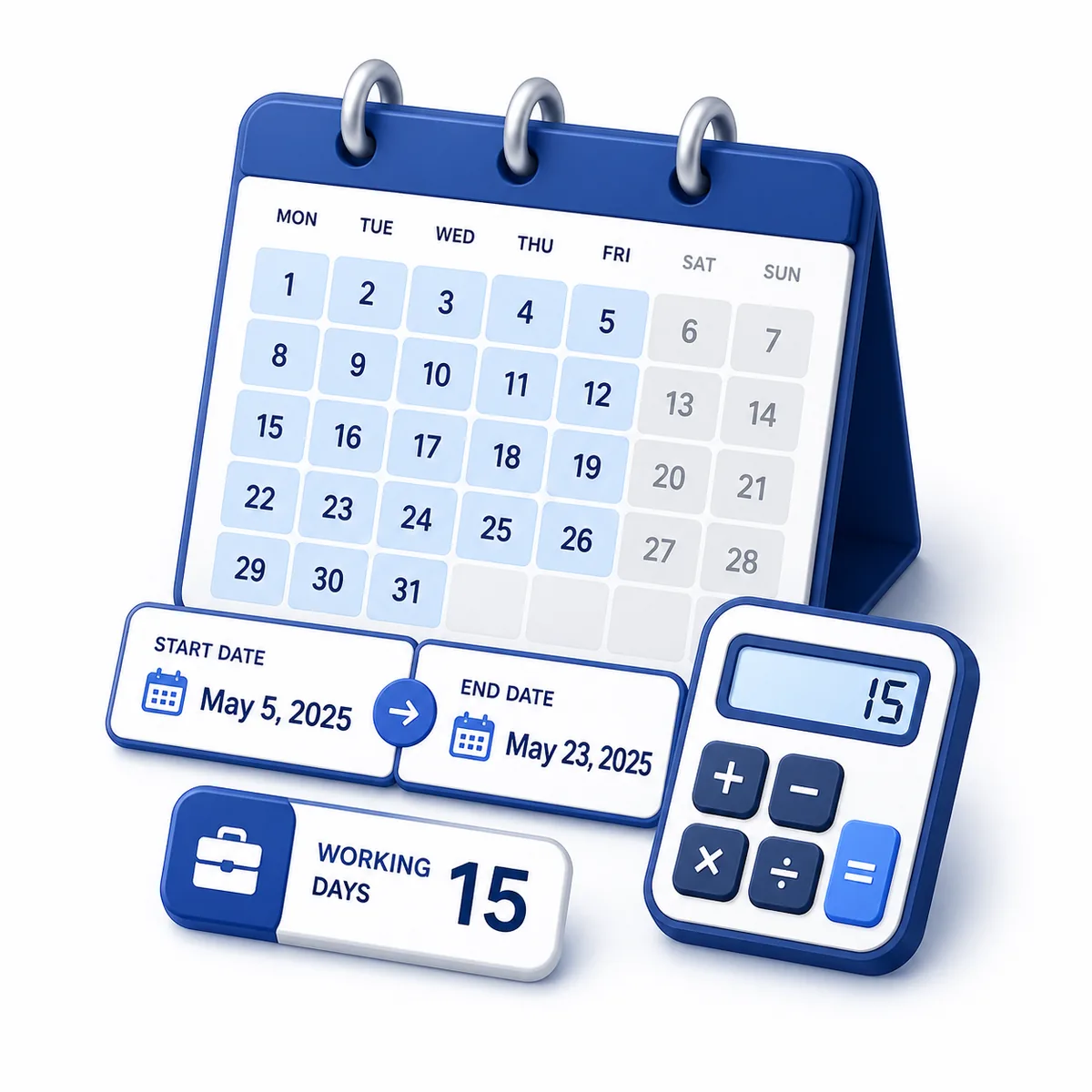
Count working days between dates or add and subtract working days while excluding weekends, India's nationwide compulsory holidays, and custom dates.
- business days
- workdays
- working days
- weekdays
- deadline calculator
The date where the working-days calculation begins.
Used when counting working days between two dates.
When selected, the end date can count as a working day.
Optionally exclude India's three fixed nationwide compulsory holidays for every year in the calculation. Add regional and movable holidays separately below.
Optional state, bank, court, school, company, movable-festival, or personal non-working dates. Enter YYYY-MM-DD values separated by commas, spaces, or new lines.
Status: initial
Results
Awaiting calculation
20 working days in the selected range
See how weekends, the selected national-holiday preset, and custom non-working dates reduce the range to usable working days.
- Calendar days30 days
- Excluded10 days
- Working days20 days
- Work hours160 hours
Set the schedule rules first
- 1Choose count, add, or subtract before entering the date range or offset.
- 2Match Saturday and Sunday settings to the actual workweek.
- 3Select the India preset if applicable, then add regional, company, or contract holidays manually.
0 national holidays excluded. Add every applicable regional, bank, court, school, company, movable, or personal closure separately.
Introduction
Working days are the days available for business, school, project, delivery, or administrative planning after excluding selected non-working days. This calculator counts, adds, or subtracts working days; supports India's three fixed nationwide compulsory holidays plus custom dates; lists exclusions; and estimates 8-hour work capacity.
Purpose
Use this calculator to estimate project timelines, deadline windows, delivery lead times, payment terms, payroll periods, vacation planning, school schedules, and other date ranges where weekends or custom non-working dates should not count.
How working dates are calculated
The calculator checks each calendar date in the selected range. A date counts when it is not a selected weekend, selected India national holiday, or custom non-working date. Add and subtract modes move day by day and skip every applicable exclusion.
Variable explanations
Understand what each input and result means before calculating.
Start date
The date where the calculation begins. In add and subtract modes, business days are counted after moving away from this date.
End date
The final date used in count mode. It must be on or after the start date.
Weekend settings
Saturday and Sunday are excluded by default, but you can include either day for organizations with a different workweek.
Custom non-working dates
Optional dates such as holidays, office closures, or vacation days. Enter them as YYYY-MM-DD values.
National holiday calendar
Choose the India preset to exclude Republic Day, Independence Day, and Mahatma Gandhi's Birthday for every year in the range.
Excluded date details
A table of weekend and custom holiday dates skipped by the calculation.
Work hours
A simple capacity estimate using eight hours for each working day.
Payment terms
Common Net 5, Net 10, Net 15, Net 30, Net 45, and Net 60 working-day deadlines.
Reviewed by the Calculator.org.in Editorial Team
Formula behavior, validation cases, explanatory examples, and cited sources are checked before publication. This review supports educational accuracy and is not a substitute for qualified professional advice.
Last reviewed: 2026-08-25
Formula guide
See the calculation logic, variable definitions, and practical meaning.
Count working days
Working days = calendar days - selected weekends - selected national holidays - custom non-working dates
- Start date is the first calendar date in the range.
- End date is the final comparison date.
- Include end date controls whether the end date itself can count.
The calculator loops through the date range and counts only dates that are not excluded by the weekend or custom holiday settings.
India national holiday preset
Exclude 26 January, 15 August, and 2 October for each year in the calculation
- Republic Day is 26 January.
- Independence Day is 15 August.
- Mahatma Gandhi's Birthday is 2 October.
The preset deliberately covers only these fixed nationwide compulsory holidays. Other calendars remain user-supplied.
Add working days
Move forward one day at a time and count only working days until N is reached
- N is the number of working days to add.
- Non-working Saturdays, Sundays, and custom dates are skipped.
The start date is the anchor date. The next counted working day occurs after the start date.
Subtract working days
Move backward one day at a time and count only working days until N is reached
- N is the number of working days to subtract.
- Excluded weekend days and custom dates are skipped.
This is useful when a deadline is known and you need to find the latest working start date.
Work-hour estimate
Work hours = working days x 8
- The calculator uses a simple 8-hour day estimate.
This provides quick capacity context, but it does not calculate shifts, overtime, or partial days.
Payment term shortcut
Net N result date = start date + N working days
- Weekend and custom holiday settings are reused.
Payment terms such as Net 10, Net 30, or Net 60 are displayed as quick reference dates.
Worked examples
Follow realistic inputs through the calculation step by step.
Worked example
Count working days in a project window
- 1Choose count mode.
- 2Enter the project start and end dates.
- 3Keep Saturdays and Sundays excluded, then calculate the available working days.
Worked example
Find a delivery date
- 1Choose add working days mode.
- 2Enter the shipment start date.
- 3Enter the number of business days in the service-level agreement.
Worked example
Plan backward from a deadline
- 1Choose subtract working days mode.
- 2Enter the deadline as the start date.
- 3Enter the number of required working days to find the latest start date.
Worked example
Apply India's nationwide holiday preset
- 1Enter the start and end dates.
- 2Choose the India national holiday calendar.
- 3Calculate to exclude 26 January, 15 August, and 2 October when they fall on selected working weekdays.
Worked example
Add regional or company holidays
- 1Choose the national preset if applicable.
- 2Enter state, bank, court, school, festival, office, or personal closure dates as custom non-working dates.
- 3The same date is excluded only once even if it appears in both sources.
Worked example
Estimate payment terms
- 1Enter the invoice date as the start date.
- 2Keep weekend and holiday settings that match your business.
- 3Review the Net 10, Net 30, and Net 60 shortcut dates.
Worked example
Estimate work-hour capacity
- 1Count working days between the planning dates.
- 2Review work hours at 8 hours per day.
- 3Adjust separately if your team uses shorter shifts, overtime, or partial-day capacity.
Worked example
Different workweek example
- 1Clear Saturday if Saturdays should count as working days.
- 2Keep Sunday excluded if Sunday remains a non-working day.
- 3Calculate to match a six-day workweek.
Common mistakes
Avoid these common input and interpretation errors.
Confusing calendar days and working days
Calendar days include every date. Working days exclude selected weekends and custom non-working dates.
Forgetting the end-date option
Including the end date can change the result by one day when the end date is a working day.
Treating three national holidays as a complete calendar
The India preset contains only the three fixed nationwide compulsory dates. Add applicable state, bank, court, school, festival, company, and restricted holidays manually.
Using local time of day
The calculator uses date-only values. It does not calculate business hours or partial working days.
Treating eight-hour estimates as schedules
The work-hour output is a simple estimate. It does not account for shifts, breaks, overtime, leaves, or part-time schedules.
Forgetting regional workweeks
Not every business follows a Monday-to-Friday schedule. Adjust Saturday and Sunday settings to match the actual calendar.
Using payment shortcuts without contract review
Net terms can be based on calendar days, business days, invoice receipt, or contract language. Verify the agreement.
Frequently asked questions
Quick answers to the questions users ask most often.
What is a working day?
Does this calculator exclude weekends?
Can I include Saturdays?
Can I include Sundays?
Does it include public holidays automatically?
How do I enter custom holidays?
Does the start date count?
Does the end date count?
Can I subtract working days?
Can I add zero working days?
What happens if a custom holiday falls on a weekend?
Can the end date be before the start date?
Does this calculate work hours?
What are excluded date details?
What are payment term shortcuts?
Can I calculate a six-day workweek?
Does this use country holiday calendars?
Are Net 30 terms always business days?
Is this suitable for legal deadlines?
Are formulas calculated in the page component?
References
Sources used to support the calculator guidance.
Related calculators
Continue with calculators that solve nearby problems.
Version history
A transparent record of calculator content updates.
- 1.3.0 · 2026-08-25
Added a multi-year India national-holiday preset for Republic Day, Independence Day, and Mahatma Gandhi's Birthday, with separate national and custom exclusion reporting.
- 1.2.0 · 2026-08-25
Made date and offset fields conditional by mode and added result-aware deadline guidance for weekends and custom holidays.
- 1.1.0 · 2026-08-03
Added range summary, excluded-date details, 8-hour work capacity, payment-term shortcuts, and expanded deadline planning guidance.
- 1.0.0 · 2026-07-05
Initial production release with count, add, subtract, weekend, and custom holiday support.