Average Calculator
Calculate arithmetic average, median, mode, count, sum, minimum, maximum, range, and sorted values from a list of numbers.
- mean
- arithmetic mean
- numbers average
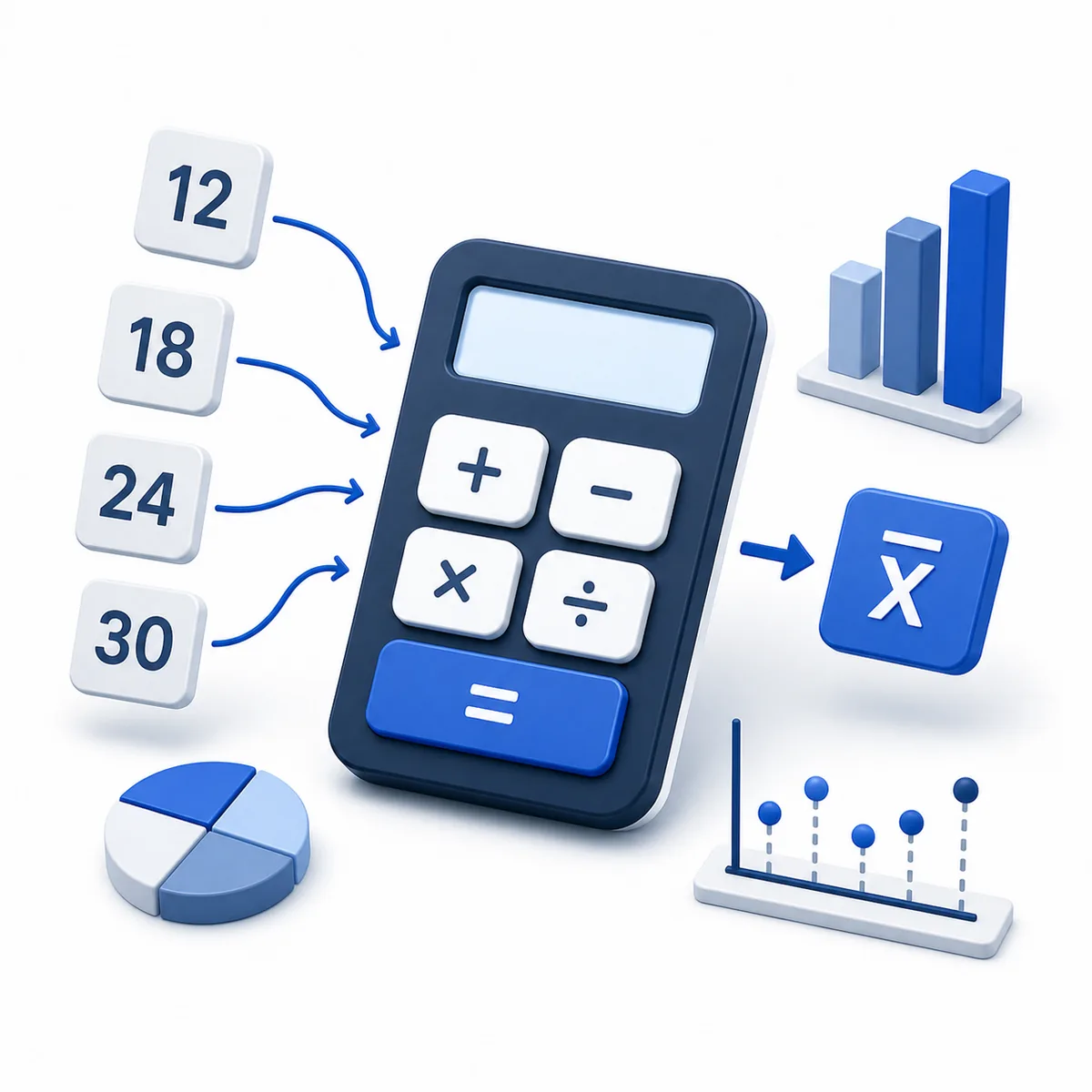
Supports decimals, negative numbers, commas, spaces, and line breaks.
Status: initial
Results
Awaiting calculation
Compare center and spread
Compare the arithmetic mean with median, mode, and range before treating one number as typical.
Use this result well
- 1Paste every value once.
- 2Check the sum and number count.
- 3Compare mean, median, mode, and range for context.
When outliers pull the mean, the median may better represent a typical value.
Introduction
An average calculator helps students, teachers, analysts, business teams, finance users, and everyday users summarize a set of numbers with one representative value. Enter values separated by commas, spaces, or new lines to calculate the arithmetic mean and supporting statistics.
Purpose
Use this calculator to find the arithmetic mean or weighted average, along with count, sum, median, mode, minimum, maximum, range, and sorted values for decimal, whole, positive, and negative values.
Average formula
The arithmetic average, also called the mean, is calculated by adding all values and dividing the total by the number of values. The calculator also shows supporting statistics such as median, mode, range, sorted values, and how many values sit below, equal to, or above the average.
Variable explanations
Understand what each input and result means before calculating.
Values
The list of numbers entered into the calculator.
Sum
The total after adding all valid values.
Count
The number of valid numeric values in the list.
Average
The sum divided by the count.
Minimum
The smallest value in the list.
Maximum
The largest value in the list.
Range
The maximum value minus the minimum value.
Median
The middle value after the list is sorted from low to high.
Mode
The value or values that appear most often.
Weights
Relative importance assigned to each value when calculating a weighted average.
Sorted values
The entered numbers arranged from lowest to highest for checking median and spread.
Reviewed by the Calculator.org.in Editorial Team
Formula behavior, validation cases, explanatory examples, and cited sources are checked before publication. This review supports educational accuracy and is not a substitute for qualified professional advice.
Last reviewed: 2026-08-25
Formula guide
See the calculation logic, variable definitions, and practical meaning.
Arithmetic average
Average = sum of values / number of values
- Sum of values is the total after adding every number.
- Number of values is the count of valid numbers entered.
Add the numbers, count how many values are present, then divide the sum by the count.
Count
Count = number of valid values
- Valid values are numeric tokens after commas, spaces, and line breaks are parsed.
The calculator counts only valid numbers and rejects invalid tokens.
Sum
Sum = value1 + value2 + ... + valueN
- Values may be positive, negative, whole, or decimal numbers.
The sum is the total used as the numerator in the average formula.
Range
Range = maximum value - minimum value
- Maximum is the largest entered value.
- Minimum is the smallest entered value.
Range describes the spread between the largest and smallest numbers.
Median
Median = middle value after sorting
- For an odd count, the median is the middle value.
- For an even count, the median is the average of the two middle values.
Median helps users judge whether outliers are pulling the mean up or down.
Mode
Mode = most frequent value
- A dataset can have one mode, multiple modes, or no repeated mode.
- Mode is shown as text because there may be multiple values.
Mode highlights repeated values in marks, ratings, scores, and survey data.
Weighted average
Weighted average = sum of (value x weight) / sum of weights
- Each value must have a matching non-negative weight.
- Weights may be percentages, credits, quantities, or other relative importance values.
Multiply each value by its weight, add the products, then divide by the total weight.
Real-world examples
Follow realistic inputs through the calculation step by step.
Worked example
Student marks
- 1Enter 78, 82, 90, 86.
- 2Sum is 336 and count is 4.
- 3Average marks are 84.
Worked example
Monthly expenses
- 1Enter each monthly expense.
- 2Use sum for total spend.
- 3Use average to estimate typical monthly cost.
- 4Review median to see whether a large one-time expense is skewing the mean.
Worked example
Sales performance
- 1Enter weekly sales values.
- 2Review average and range.
- 3Compare typical sales with high and low weeks.
Worked example
Sports scores
- 1Enter game scores.
- 2Calculate average score.
- 3Use minimum and maximum to understand consistency.
Worked example
Temperature records
- 1Enter daily temperatures.
- 2Calculate mean temperature.
- 3Use range for the temperature spread.
Worked example
Business revenue
- 1Enter daily or monthly revenue.
- 2Calculate average revenue.
- 3Use sum and count for reporting checks.
Worked example
Survey results
- 1Enter numeric survey ratings.
- 2Calculate average rating.
- 3Review range and mode to identify response spread and the most common rating.
Worked example
Finance returns
- 1Enter period returns as numbers.
- 2Calculate arithmetic average.
- 3Use weighted average later when periods have different weights.
Worked example
Weighted course grade
- 1Choose Weighted average and enter scores 90, 80.
- 2Enter matching weights 30, 70.
- 3The weighted average is (90 x 30 + 80 x 70) / 100 = 83.
Common average mistakes
Avoid these common input and interpretation errors.
Mixing separators with words
Use commas, spaces, or line breaks between numbers. Words, currency symbols, and percent signs are rejected as invalid tokens.
Confusing average with median
Average uses the sum divided by count. Median is the middle value after sorting.
Confusing average with mode
Mode is the most frequent value. A dataset can have no mode or multiple modes.
Ignoring outliers
Very high or very low values can strongly affect the arithmetic average.
Using weighted data as simple average
When values have different importance, a weighted average is usually more appropriate.
Reading the mean without checking spread
Two lists can have the same average but very different minimums, maximums, ranges, medians, and modes.
Frequently asked questions
Quick answers to the questions users ask most often.
What is an average?
What is arithmetic mean?
How do I calculate average?
Can I enter comma-separated numbers?
Can I enter one number per line?
Can I enter space-separated numbers?
Are decimal numbers supported?
Are negative numbers supported?
What happens if I enter text?
What is count?
What is sum?
What is range?
Does this calculator show median?
Does this calculator show mode?
Why are sorted values useful?
What do below-average and above-average counts mean?
Is average the same as median?
Is average the same as mode?
Does this calculator support weighted average?
Do weighted-average weights need to add up to 100?
References
Sources used to support the calculator guidance.
Related calculators
Continue with calculators that solve nearby problems.
- Percentage Calculator
- Ratio Calculator
- Fraction Calculator
- Standard Deviation Calculator
- Median Calculator
- Weighted Average Calculator
Version history
A transparent record of calculator content updates.
- 1.2.0 · 2026-08-25
Added a complete weighted-average mode and refreshed search metadata around mean, median, mode, and weighted average intent.
- 1.1.0 · 2026-08-02
Added median, mode, sorted values, average-position counts, and statistical summary guidance.
- 1.0.0 · 2026-07-03
Initial CAL-0007 Average Calculator implementation using platform engines.