Area Calculator
Calculate area for 12 plane shapes, including rectangles, circles, polygons, sectors, ellipses, kites, and annuli.
- shape area calculator
- geometry area calculator
- regular polygon area calculator
- ellipse area calculator
- sector area calculator
Choose the plane shape whose area you want to calculate.
Rectangle length.
Rectangle width.
Status: initial
Results
Awaiting calculation
Calculated area scale
See the selected shape's area on a consistent scale, then review the exact substitution in the result table.
Use this result well
- 1Confirm the selected shape and required dimensions.
- 2Keep every entered dimension in the same unit.
- 3Review the formula and substitution shown with the result.
Use one length unit for every dimension; the resulting area uses that unit squared.
Introduction
The Area Calculator finds the two-dimensional space inside 12 common plane shapes. Choose a shape and the form shows only the dimensions required for that formula. Each supported shape uses its own two-dimensional formula, and the result is expressed in square units based on the consistent length unit supplied.
When to use an area calculator
Use it for geometry practice, floor and garden planning, material estimates, diagrams, and quick comparisons. Enter every dimension in the same length unit so the answer is expressed in that unit squared. For material purchasing, calculate the geometric area first and then add a project-specific allowance for cuts, overlap, defects, or waste.
How area is calculated
Each shape has its own formula. The calculator substitutes your dimensions into the selected formula, keeps full precision during calculation, and displays the final area to four decimal places when needed. A circle requires a radius, while triangle and trapezoid formulas require perpendicular height rather than a sloping side length.
Variable explanations
Understand what each input and result means before calculating.
Shape
Controls which formula and dimension fields are used.
Length, width, and side
Straight-edge dimensions used by quadrilaterals and regular polygons.
Radius
Distance from a circle's centre to its edge; it is half the diameter.
Base and height
Height must be perpendicular to the selected base.
Diagonals
Corner-to-corner lengths used for rhombus and kite area.
Ellipse axes
Semi-major and semi-minor axes are half the full ellipse diameters.
Central angle
The sector's angle in degrees, from greater than 0° through 360°.
Inner and outer radii
The inner radius must be smaller than the outer radius for an annulus.
Reviewed by the Calculator.org.in Editorial Team
Formula behavior, validation cases, explanatory examples, and cited sources are checked before publication. This review supports educational accuracy and is not a substitute for qualified professional advice.
Last reviewed: 2026-08-23
Formula guide
See the calculation logic, variable definitions, and practical meaning.
Rectangle and square
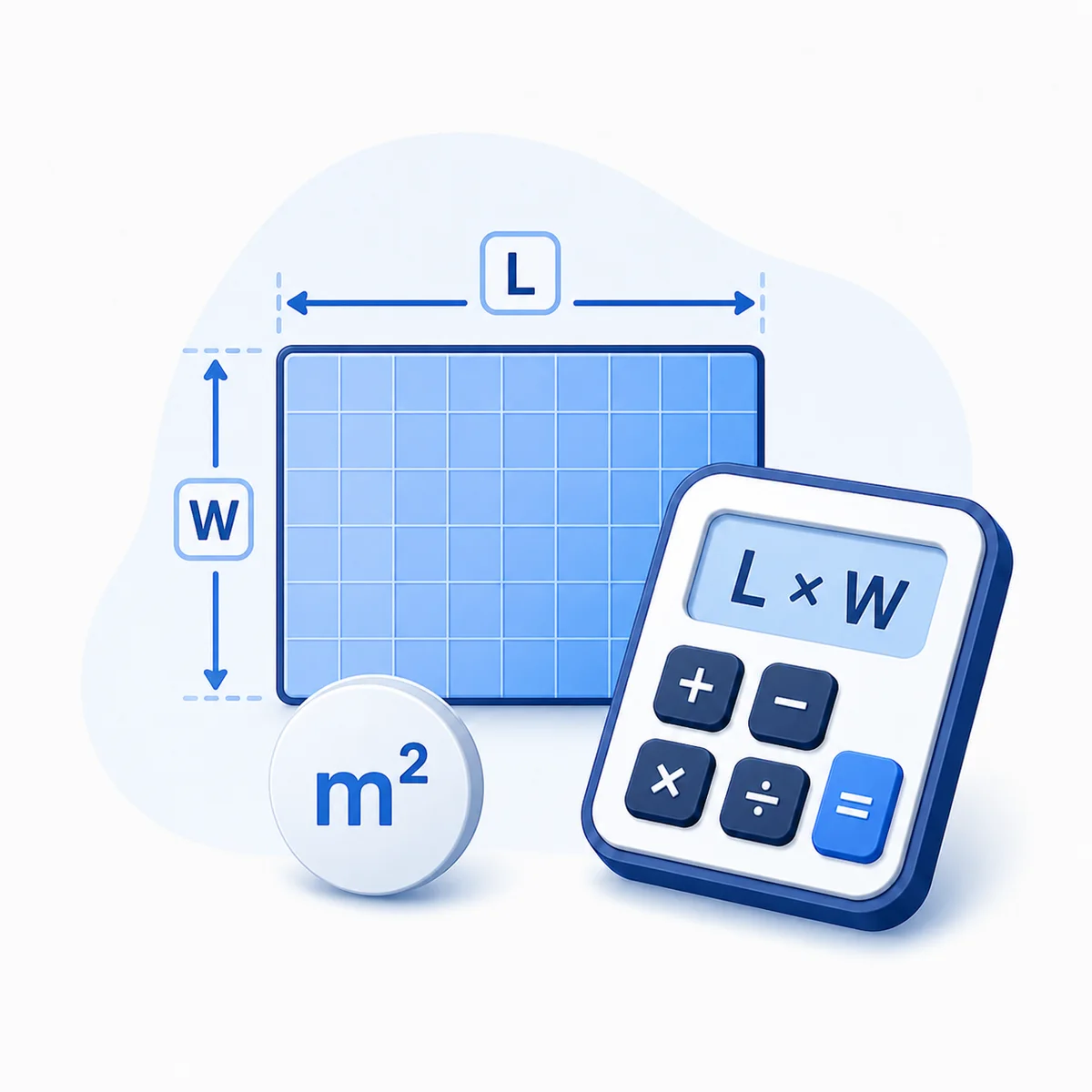
Rectangle: A = l × w; Square: A = s²
- l is length.
- w is width.
- s is side length.
Multiply perpendicular dimensions; for a square both dimensions are equal.
Circle, sector, and annulus
Circle: A = πr²; Sector: A = θ/360 × πr²; Annulus: A = π(R² − r²)
- r is radius.
- R is outer radius.
- θ is the central angle in degrees.
A sector is a fraction of a circle, while an annulus subtracts the inner circle.
Triangle and parallelogram
Triangle: A = bh/2; Parallelogram: A = bh
- b is base.
- h is perpendicular height.
A triangle with the same base and height has half the parallelogram's area.
Trapezoid
A = (b₁ + b₂)h/2
- b₁ and b₂ are the parallel sides.
- h is perpendicular height.
Average the two parallel sides, then multiply by their perpendicular separation.
Rhombus and kite
A = d₁d₂/2
- d₁ and d₂ are the diagonals.
Multiply the diagonals and divide by two.
Ellipse
A = πab
- a is the semi-major axis.
- b is the semi-minor axis.
The axes are half of the ellipse's full diameters.
Regular polygon
A = ns² / (4 tan(π/n))
- n is the number of sides.
- s is the common side length.
This formula applies when every side and interior angle are equal.
Worked examples
Follow realistic inputs through the calculation step by step.
Worked example
Rectangle
- 1Choose Rectangle.
- 2Enter length 5 and width 4.
- 3The area is 20 square units.
Worked example
Regular hexagon
- 1Choose Regular polygon.
- 2Enter 6 sides and side length 4.
- 3The area is approximately 41.5692 square units.
Worked example
Quarter-circle sector
- 1Choose Circular sector.
- 2Enter radius 6 and angle 90°.
- 3The area is approximately 28.2743 square units.
Worked example
Annulus
- 1Choose Annulus.
- 2Enter outer radius 5 and inner radius 3.
- 3The area is approximately 50.2655 square units.
Worked example
Find the area of a circle
- 1Choose circle and enter a radius of 3.
- 2Square the radius and multiply by π.
- 3The area is approximately 28.2743 square units.
Worked example
Find the area of a trapezoid
- 1Choose trapezoid, enter bases 8 and 12, and height 6.
- 2Average the parallel bases: (8 + 12) ÷ 2 = 10.
- 3Multiply by height to obtain 60 square units.
Common mistakes
Avoid these common input and interpretation errors.
Mixing units
Convert all dimensions to the same length unit before calculating.
Using diameter as radius
Divide the diameter by two before entering a circle or sector radius.
Using slanted height
Triangle, trapezoid, and parallelogram formulas require perpendicular height.
Entering full ellipse axes
The ellipse fields expect half of each full diameter.
Using an irregular polygon
The regular-polygon formula assumes equal sides and equal angles.
Reversing annulus radii
The inner radius must be smaller than the outer radius.
Frequently asked questions
Quick answers to the questions users ask most often.
Which shapes are supported?
Can I use centimetres, metres, feet, or inches?
Why do the inputs change when I choose a shape?
What is perpendicular height?
Can this calculate an irregular polygon?
How do I use a diameter?
What is an annulus?
Can a sector be a full circle?
How many sides can a regular polygon have?
Why is the answer in square units?
What is the difference between area and perimeter?
Can I add areas of multiple shapes?
Should I include a waste allowance?
References
Sources used to support the calculator guidance.
Related calculators
Continue with calculators that solve nearby problems.
Version history
A transparent record of calculator content updates.
- 2.0.0 · 2026-08-23
Expanded from 4 to 12 shapes, added shape-specific inputs, calculation steps, validation, formulas, examples, and unique page content.
- 1.0.0 · 2026-08-03
Initial rectangle, circle, triangle, and trapezoid calculator.