Aspect Ratio Calculator
Calculate an image, video, or screen aspect ratio and resize dimensions while preserving proportions.
- aspect ratio
- image ratio
- video ratio
- resize dimensions
- 16:9
Enter the original width in pixels, inches, centimeters, or any consistent unit.
Enter the original height in the same unit as width.
Choose which target dimension you know.
Optional new width. The calculator will preserve the original aspect ratio.
Status: initial
Results
Awaiting calculation
1,920 x 1,080 at 16:9
The closest common format is 16:9 widescreen. For encoder-friendly video export, use the even dimensions 1920 x 1080.
Use this result well
- 1Enter the source width and height, then choose the one target dimension you already know.
- 2Use the calculated companion dimension to avoid stretching or squashing the image.
- 3Check the common presets and even-pixel result against the destination platform before export.
Aspect ratio describes shape; resolution and total pixels describe image detail.
Introduction
The Aspect Ratio Calculator reduces width and height to a clean ratio, finds proportional resize dimensions, compares the result with common image and video formats, and suggests even-pixel export sizes.
What is aspect ratio?
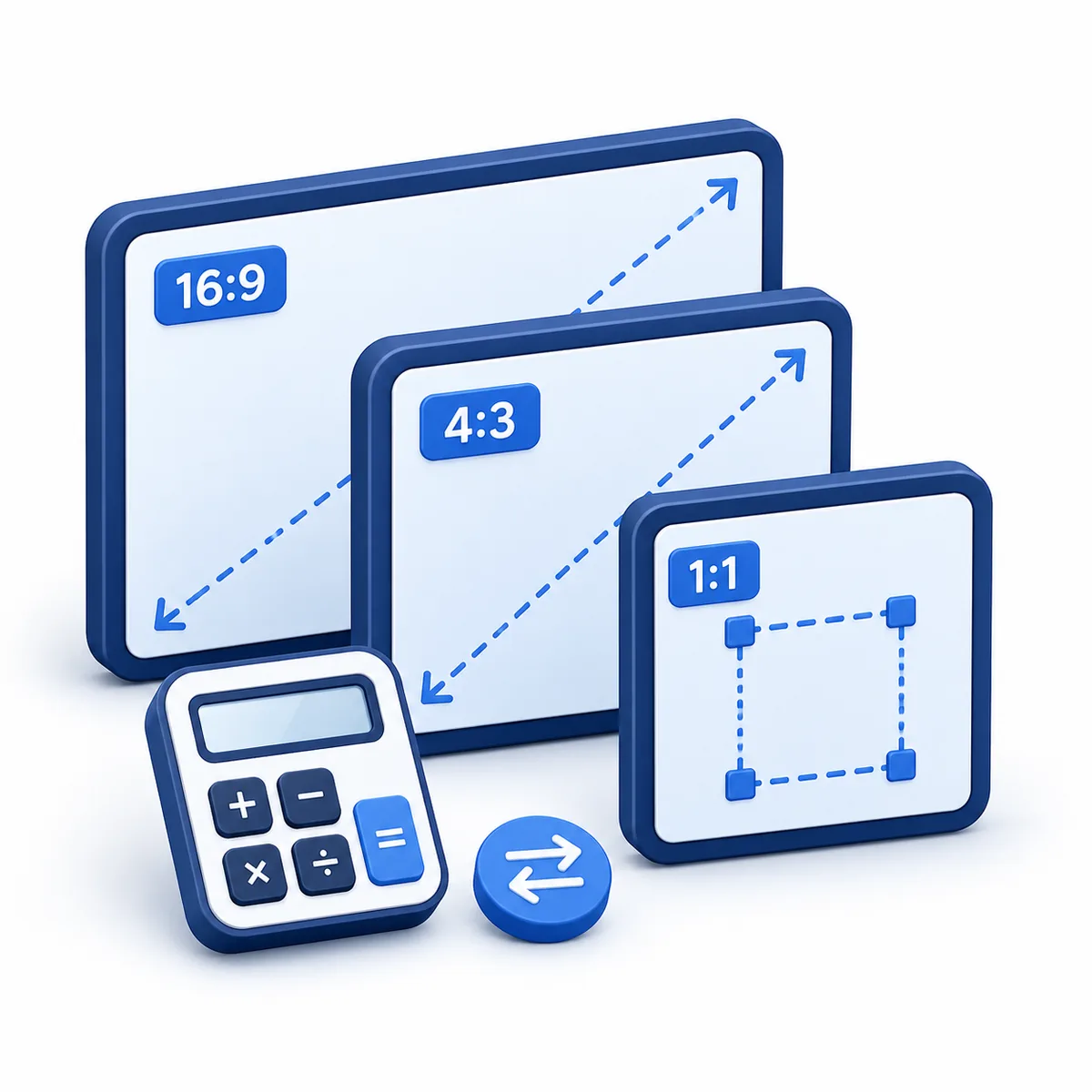
Aspect ratio is the proportional relationship between width and height. A 1920 x 1080 video reduces to 16:9, meaning 16 units wide for every 9 units tall.
Aspect ratio method
Reduce width:height by the greatest common divisor. To resize proportionally, multiply the known target dimension by the original opposite dimension and divide by the original matching dimension. For pixel-based video, round final dimensions to even whole numbers when your editor or encoder requires it.
Variable explanations
Understand what each input and result means before calculating.
Width
The horizontal dimension of the image, video, screen, or layout.
Height
The vertical dimension using the same unit as width.
Ratio
The reduced width-to-height relationship.
Decimal ratio
Width divided by height, often written as something like 1.7778:1.
Target size
The resized dimensions that preserve the same proportion.
Closest common ratio
A practical comparison against common formats such as 16:9, 9:16, 1:1, 4:5, 3:2, 4:3, and 21:9.
Even dimensions
Pixel dimensions rounded to even whole numbers for video workflows that reject odd sizes.
Reviewed by the Calculator.org.in Editorial Team
Formula behavior, validation cases, explanatory examples, and cited sources are checked before publication. This review supports educational accuracy and is not a substitute for qualified professional advice.
Last reviewed: 2026-08-25
Formula guide
See the calculation logic, variable definitions, and practical meaning.
Reduce ratio
Aspect ratio = width:height reduced by GCD
- GCD is the greatest common divisor.
- Width and height must use the same unit.
Use this to convert pixel dimensions such as 1920 x 1080 into 16:9.
Find target height
Target height = target width x original height / original width
- Target width is the known new width.
- Original dimensions provide the proportion.
Use this when resizing to a specific width without stretching.
Find target width
Target width = target height x original width / original height
- Target height is the known new height.
- Original dimensions provide the proportion.
Use this when resizing to a specific height without stretching.
Video-safe rounding
Even export size = target dimension rounded to the nearest even whole pixel
- Many video tools prefer even-numbered pixel dimensions.
- Use the proportional size first, then round for export if needed.
Use this when preparing video thumbnails, shorts, reels, or encoded exports.
Worked examples
Follow realistic inputs through the calculation step by step.
Worked example
HD video
- 11920 x 1080 reduces by 120 to 16:9.
Worked example
Square image
- 11000 x 1000 reduces to 1:1.
Worked example
Proportional resize
- 1A 1920 x 1080 image resized to width 1280 has height 720.
Worked example
Vertical social video
- 1A 1080 x 1920 video reduces to 9:16.
- 2If you resize it to height 1280, the proportional width is 720.
Common mistakes
Avoid these common input and interpretation errors.
Mixing units
Width and height must use the same unit before reducing the ratio.
Stretching instead of resizing proportionally
Changing width without changing height proportionally distorts the image.
Confusing ratio with resolution
16:9 describes shape; 1920 x 1080 describes pixel size.
Rounding too aggressively
Rounding resize dimensions can be necessary, but large rounding can slightly change the ratio.
Using the right ratio on the wrong platform
A 16:9 thumbnail, 9:16 short, 1:1 avatar, and 4:5 feed post can all use the same source image differently. Choose the export shape before cropping.
Frequently asked questions
Quick answers to the questions users ask most often.
What does this Aspect Ratio Calculator do?
What is aspect ratio?
How do I calculate aspect ratio?
What is 1920 x 1080 aspect ratio?
What is 1080 x 1920 aspect ratio?
What does 1:1 mean?
Can this resize images?
Can I use centimeters or inches?
What is decimal aspect ratio?
Why does preserving aspect ratio matter?
What is landscape orientation?
What is portrait orientation?
Can the target dimension be decimal?
Does aspect ratio determine file size?
Is aspect ratio the same as resolution?
Why does the calculator show video-safe even dimensions?
Which aspect ratio should I use for vertical video?
Which aspect ratio should I use for social feed images?
Can I compare my image with common presets?
Should I crop or resize to change aspect ratio?
References
Sources used to support the calculator guidance.
Related calculators
Continue with calculators that solve nearby problems.
Version history
A transparent record of calculator content updates.
- 1.2.0 · 2026-08-25
Added resize-mode fields, export-ready result guidance, and a more descriptive search title.
- 1.1.0 · 2026-08-02
Added common ratio matching, preset size guidance, and video-safe even dimensions.
- 1.0.0 · 2026-07-06
Initial aspect ratio calculator release.