Scientific Calculator
Evaluate scientific expressions with powers, roots, logarithms, trigonometry, constants, factorials, angle modes, and reusable session history.
- advanced calculator
- trigonometry calculator
- scientific expression
- sin cos tan
- logarithm calculator
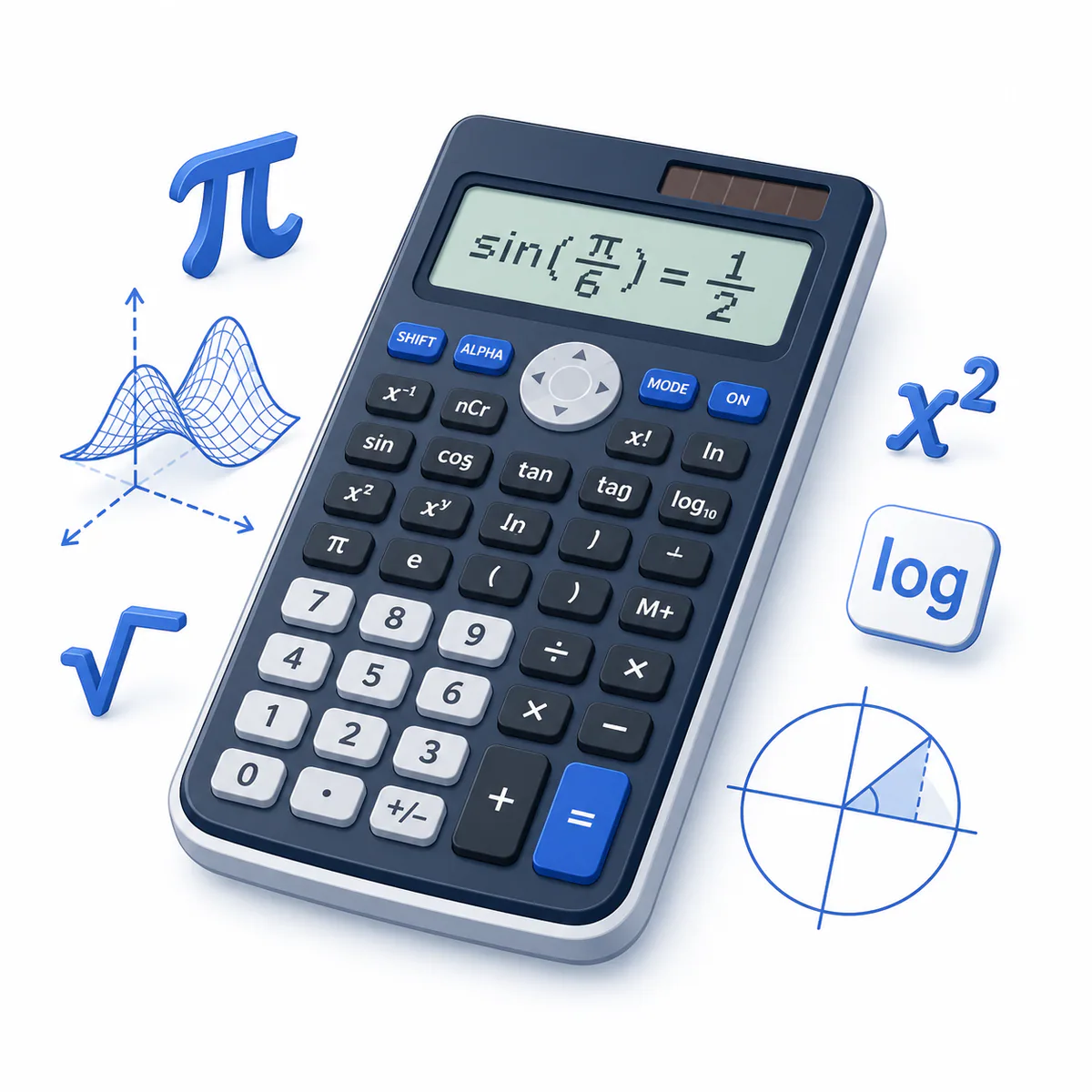
Supports +, −, ×, ÷, ^, !, parentheses, pi, e, sqrt, sin, cos, tan, asin, acos, atan, log, ln, exp, abs, min, and max.
Status: initial
Results
Awaiting calculation
Scientific calculation history
Reuse up to 10 calculations from this page session, including their angle mode.
No scientific calculations yet. Evaluated expressions will appear here.
A safe expression-based scientific calculator
Enter a complete expression using scientific functions and constants. The calculator parses supported mathematical syntax directly, never sends the expression to JavaScript eval, and records successful calculations in reusable session history.
When to use the scientific calculator
Use it for trigonometry, logarithms, powers, roots, factorials, scientific constants, and multi-step arithmetic. Choose the correct angle mode before evaluating trigonometric functions, then reuse earlier expressions from the history panel when comparing results.
How expressions are evaluated
The parser follows parentheses, factorial, exponents, unary signs, multiplication and division, then addition and subtraction. Trigonometric inputs and inverse-trigonometric results follow the selected degree or radian mode.
Variable explanations
Understand what each input and result means before calculating.
Expression
The complete mathematical statement to evaluate.
Angle mode
Determines whether trigonometric angles use degrees or radians.
pi and e
Built-in constants for π and Euler’s number.
Functions
Named operations such as sqrt, sin, log, and abs that require parentheses.
History
Up to 10 successful expressions, results, and angle modes retained for reuse during the current page session.
Reviewed by the Calculator.org.in Editorial Team
Formula behavior, validation cases, explanatory examples, and cited sources are checked before publication. This review supports educational accuracy and is not a substitute for qualified professional advice.
Last reviewed: 2026-08-23
Formula guide
See the calculation logic, variable definitions, and practical meaning.
Powers and roots
x^n; sqrt(x)
- x is the base
- n is the exponent
Use parentheses around compound bases or exponents.
Trigonometry
sin(x), cos(x), tan(x)
- x uses degrees or radians according to angle mode
Inverse functions asin, acos, and atan return values in the same selected mode.
Logarithms
log(x) = log10(x); ln(x) = loge(x)
- x must be positive
Use exp(x) for e raised to x.
Factorial
n! = 1 × 2 × ... × n
- n is a non-negative integer no greater than 170
0! and 1! both equal 1.
Worked examples
Follow realistic inputs through the calculation step by step.
Worked example
Trigonometric identity
- 1Use degrees mode.
- 2Enter sin(30)^2 + cos(30)^2.
- 3The result is 1.
Worked example
Natural logarithm
- 1Enter ln(e^3).
- 2Exponentiation produces e cubed.
- 3The natural logarithm returns 3.
Worked example
Factorial and root
- 1Enter 5! / sqrt(16).
- 25! is 120 and sqrt(16) is 4.
- 3The result is 30.
Common mistakes
Avoid these common input and interpretation errors.
Wrong angle mode
sin(30) differs dramatically between degree and radian mode.
Missing function parentheses
Write sqrt(9), not sqrt 9.
Implicit multiplication
Write 2*pi rather than 2pi.
Invalid logarithm domain
Real logarithms require a positive argument.
Frequently asked questions
Quick answers to the questions users ask most often.
What functions are supported?
Does the calculator use eval?
How do I enter π?
How do I calculate a factorial?
Why does a trigonometric result look unexpected?
Does it support complex numbers?
Can I reuse a previous scientific calculation?
References
Sources used to support the calculator guidance.
Related calculators
Continue with calculators that solve nearby problems.
Version history
A transparent record of calculator content updates.
- 1.1.0 · 2026-08-23
Added a reusable 10-entry scientific calculation history with expression, result, angle-mode restoration, deduplication, and clear control.
- 1.0.0 · 2026-08-08
Initial release with safe expression parsing, scientific functions, constants, factorials, and angle modes.