Choose the relationship
Beginner: grams to moles
Divide sample mass by molar mass.
Use two simple inputs to convert grams to moles, or switch to an advanced pathway for particles, solutions, gas states, and reverse calculations.
Beginner mode calculates moles from grams. Advanced modes reveal only the controls needed for the selected chemistry relationship.
Enter the measured mass in grams.
Use the molar mass of the exact chemical formula, including any hydration state.
Status: initial
Mole relationship map
Follow the selected relationship, its equation, and the meaning of the result without mixing inputs from unrelated chemistry pathways.
Beginner: grams to moles
Divide sample mass by molar mass.
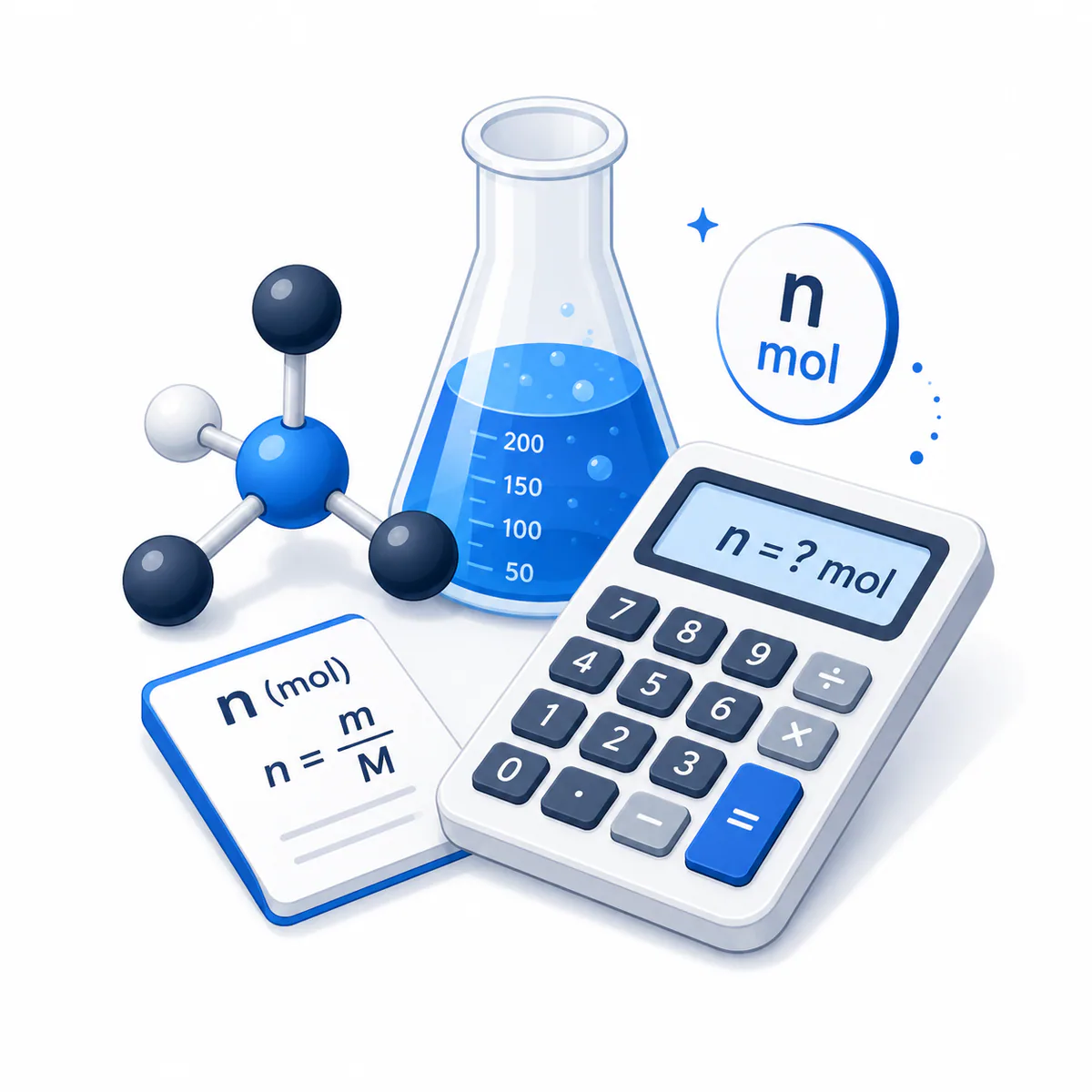
n = m ÷ M
Keep units consistent before substituting the values.
2 mol
A mole counts specified entities; it does not identify the substance by itself.
The Moles Calculator begins with a two-input grams-to-moles workflow so learners can focus on n=m/M without unrelated fields. Advanced modes separately handle mass relationships, elementary-entity counts, solution molarity and volume, or gas pressure-volume-temperature state with exact Avogadro-constant arithmetic and explicit unit handling.
Use this calculator to turn a balance reading into moles, estimate required mass, infer molar mass from known mass and amount, convert particles through the exact Avogadro constant, find solute moles from molarity and total solution volume, or apply PV = ZnRT to a gas state. It does not parse chemical formulas or balance reactions; those are separate chemical tasks with different validation needs.
Molar mass links mass to amount of substance through n = m/M, while the exact Avogadro constant links moles to specified elementary entities through N = nNₐ. Solution molarity uses n = cV, and a gas-state estimate uses PV = ZnRT. Each relationship answers a different question, so the selected pathway and entity definition remain visible in every result.
Understand what each input and result means before calculating.
Beginner mode asks only for sample mass in grams and molar mass in grams per mole. Each advanced mode reveals only the inputs for its selected mass, particle, solution, or gas relationship.
The mass of the exact substance being counted. Consider purity, hydration, residual solvent, and composition when they matter.
Mass per mole for the specified element, molecule, or formula unit. Use the Molecular Weight Calculator for formula parsing, then enter the verified result here.
The SI base quantity measured in moles. A mole is not a mass; different substances have different mass per mole.
State what is counted: atoms, molecules, ions, formula units, electrons, or generic particles. A numerical particle count without an entity definition is incomplete.
Optionally translate molecules or formula units into a selected constituent count. The multiplier depends on exactly which atoms or ions are being counted.
Molarity is moles of solute per litre of total solution. The calculator converts volume units before applying n=cV.
Gas calculations require absolute pressure and absolute temperature internally. Gauge pressure must be converted to absolute pressure before entry.
Z=1 gives the ideal-gas result. Real-gas Z depends on gas composition, temperature, and pressure and must come from a suitable source or equation of state.
Displayed precision should reflect the least reliable measured or reference input, not the exactness of Avogadro's constant.
Formula behavior, validation cases, explanatory examples, and cited sources are checked before publication. This review supports educational accuracy and is not a substitute for qualified professional advice.
Last reviewed: 2026-08-23
See the calculation logic, variable definitions, and practical meaning.
n = m ÷ M
Mass is converted to grams and molar mass to grams per mole before division.
m = n × M
This gives theoretical mass of the specified substance at the entered molar mass.
M = m ÷ n
The result is a measured or apparent molar mass, not automatic compound identification.
N = n × Nₐ
The exact constant does not make experimental inputs exact.
n = N ÷ Nₐ
Formula units are normally appropriate for ionic solids; molecules are appropriate for discrete molecular substances.
Nconstituent = Nparticle × entities per particle
The multiplier must match the constituent being counted, not merely the total formula subscript sum.
n = c × V
Total solution volume is not automatically the same as solvent volume.
c = n ÷ V
Use the final total solution volume at the relevant conditions.
n = PV ÷ (ZRT)
A real-gas compressibility factor can be entered only when its source and applicability are validated.
Follow realistic inputs through the calculation step by step.
Worked example
Worked example
Worked example
Worked example
Worked example
Worked example
Worked example
Avoid these common input and interpretation errors.
A compound's molar mass includes every atom in its formula, including waters of hydration and other explicitly present groups.
Atomic oxygen and oxygen gas have different elementary entities and molar masses. Match the formula to the actual substance.
Ionic lattices such as NaCl are commonly counted as formula units rather than discrete molecules.
The balance mass may include impurities, solvent, water, or inactive carrier. This calculator does not automatically correct active-substance moles.
Molarity uses total final solution volume, which may differ from the separately measured solvent amount.
PV=ZnRT requires absolute temperature. The calculator converts °C or °F to kelvin internally.
The gas equation requires absolute pressure. Add atmospheric pressure to a gauge reading using consistent units when appropriate.
Gas molar volume changes with temperature, pressure, gas composition, and non-ideal behavior.
The constant is exact in SI. Experimental mass, composition, molar mass, volume, temperature, pressure, and model assumptions drive uncertainty.
This calculator converts one substance's amount. Stoichiometric conversion between substances requires a balanced chemical equation.
Exact constants can yield long outputs, but significant figures must remain consistent with the inputs and method.
Quick answers to the questions users ask most often.
Sources used to support the calculator guidance.
Continue with calculators that solve nearby problems.
A transparent record of calculator content updates.
Added a two-input Beginner mode, four focused Advanced pathways, simplified conditional fields, a guided calculation table, and a page-specific relationship visual.
Initial release with mass, particle, solution, and gas pathways; exact Avogadro conversion; constituent counting; unit conversion; and equation audits.