Stone Calculator
Estimate cubic yards, tons, bags, coverage, and cost for common stone materials or a custom supplier density.
- landscape stone
- crushed stone
- river rock
- stone tons
- stone cubic yards
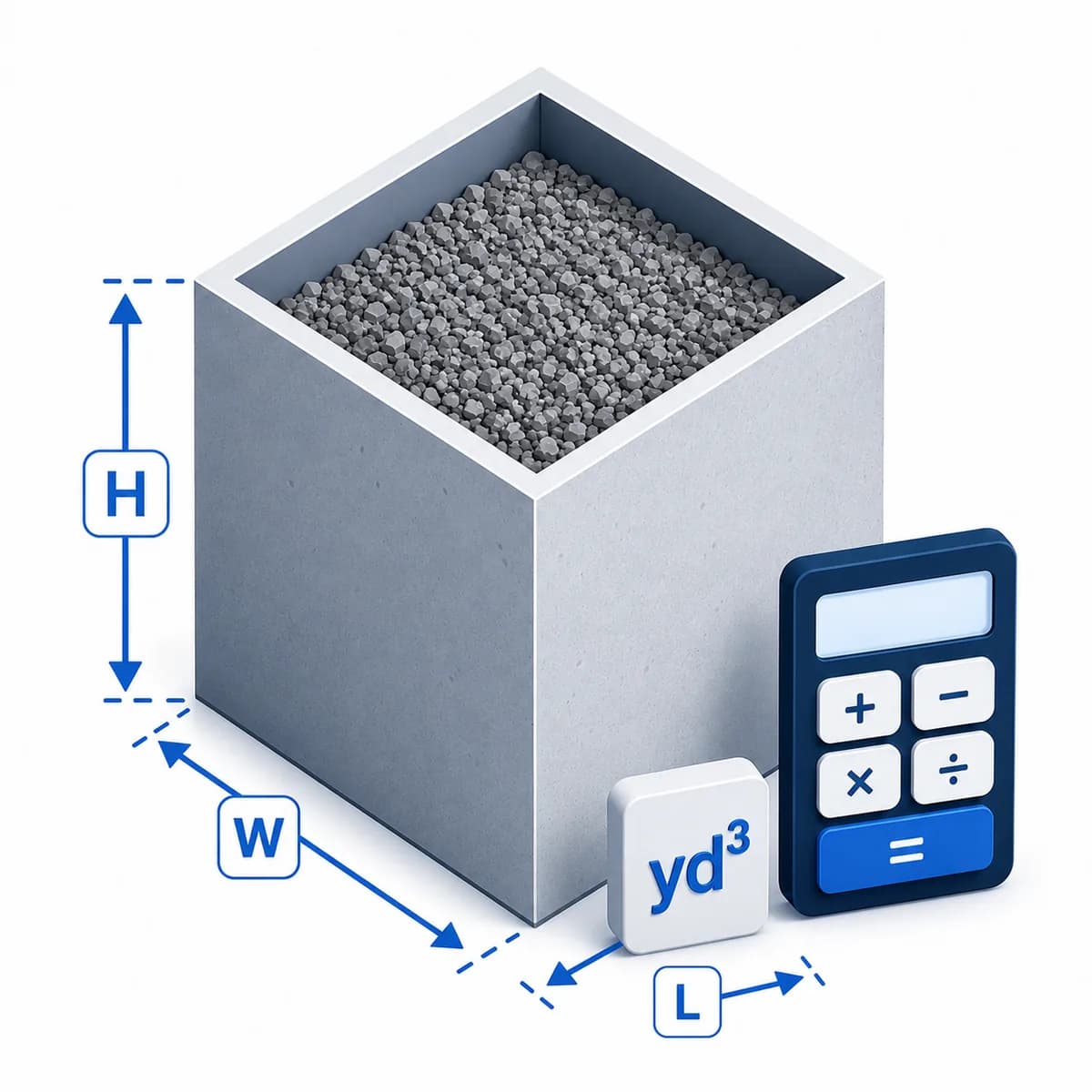
For rectangles and triangles, enter length in feet.
For rectangles and triangles, enter width in feet.
Enter stone depth in inches.
Choose a planning density preset, or use a custom density from your stone supplier.
Optional extra percentage for ground variation, compaction, and supplier rounding.
Optional material price for a rough cost estimate.
Status: initial
Results
Awaiting calculation
Turn project volume into an order quantity
See how area and depth become cubic yards, how material density converts yards to tons, and how waste and supplier rounding affect the order.
Before placing the order
- 1Confirm the installed depth and compare the 2, 3, and 4 inch quantities.
- 2Replace the density preset with the supplier's product value when available.
- 3Check delivery minimums, bag weights, and the supplier's rounding increment.
The estimate uses 1.6 tons/yd^3. Replace the preset with your supplier's density when available.
Introduction
The Stone Calculator estimates crushed stone, limestone, granite, river rock, pea gravel, lava rock, or riprap in cubic yards, tons, bulk bags, and 50 lb bags. Choose a material density preset or enter your supplier's density, then compare quantities at common depths.
Purpose
Use this calculator for early landscaping, garden bed, pathway, drainage, river rock, decorative stone, and hardscape planning before confirming material density, delivery minimums, and ordering rules with your supplier.
How stone quantity is calculated
The calculator finds area, converts depth from inches to feet, calculates cubic yards, then multiplies by the selected stone's loose bulk density. Preset densities are planning assumptions; a supplier-specific density is more accurate for ordering.
Variable explanations
Understand what each input and result means before calculating.
Shape
The area shape used for the surface calculation.
Length and width
Rectangle and triangle dimensions in feet.
Diameter
Circle diameter in feet.
Depth
Planned stone depth in inches.
Density
Tons per cubic yard for the selected stone material.
Stone material
A common stone preset used to select a planning density; supplier data should replace it when available.
Waste allowance
Extra material for site and ordering variation.
Suggested order
A rounded-up bulk quantity to help compare supplier ordering increments.
Bulk and small bags
One-ton bulk bags and 50 lb small-bag equivalents for rough purchasing context.
Reviewed by the Calculator.org.in Editorial Team
Formula behavior, validation cases, explanatory examples, and cited sources are checked before publication. This review supports educational accuracy and is not a substitute for qualified professional advice.
Last reviewed: 2026-08-25
Formula guide
See the calculation logic, variable definitions, and practical meaning.
Cubic yards
Cubic yards = area x depth(ft) / 27
- Area may be rectangle, triangle, or circle.
- Depth is converted from inches to feet.
Cubic yards are a common bulk volume measure for landscaping stone.
Tons
Tons = cubic yards x tons per cubic yard
- Density depends on stone type, size, and moisture.
Many stone suppliers sell by ton, so volume is converted to weight.
Waste-adjusted tons
Tons with waste = tons x (1 + waste / 100)
- Waste accounts for compaction, uneven ground, and ordering variation.
The waste-adjusted value is the planning order quantity.
Suggested order
Suggested order = tons with waste rounded up to supplier increment
- The calculator rounds to 0.25-ton increments.
- Local suppliers may use different minimums.
Rounding helps avoid under-ordering when suppliers sell in fixed increments.
Bag equivalent
50 lb bags = suggested order tons x 2,000 / 50
- Small projects may use bags.
- Bulk delivery is usually better for larger projects.
The bag estimate is a planning shortcut and should be checked against package weight.
Material density preset
Tons = cubic yards x selected tons per cubic yard
- Preset densities represent loose bulk material, including void space.
- Choose custom when your supplier provides a product-specific density.
Material selection changes weight and coverage without changing the geometric volume.
Worked examples
Follow realistic inputs through the calculation step by step.
Worked example
Landscape bed
- 1Choose rectangle.
- 2Enter length, width, and depth.
- 3Review cubic yards and tons.
Worked example
Circular tree ring
- 1Choose circle.
- 2Enter diameter.
- 3Use a shallow stone depth.
Worked example
River rock bed
- 1Choose the closest area shape.
- 2Use the supplier's river rock density if available.
- 3Review coverage per ton and bulk bag estimate.
Worked example
Lava rock topdress
- 1Use a lower density than crushed stone.
- 2Keep the depth shallow for decorative coverage.
- 3Confirm bag weight before buying small bags.
Worked example
Triangular corner bed
- 1Choose triangle.
- 2Enter length and width.
- 3Add a waste allowance.
Worked example
Cost estimate
- 1Enter price per ton.
- 2Calculate tons with waste.
- 3Use cost as planning context only.
Worked example
Compare stone depths
- 1Choose the stone material and enter the project dimensions.
- 2Calculate once at the planned depth.
- 3Compare the live 2, 3, and 4 inch rows before deciding how deep to install the stone.
Common mistakes
Avoid these common input and interpretation errors.
Using the wrong density
Lava rock, river rock, crushed stone, and rip rap can weigh very different amounts per yard.
Skipping depth conversion
Depth in inches must be converted to feet before calculating cubic yards.
Ignoring uneven ground
Low spots and compaction can increase material needs.
Using crushed-stone density for lava rock
Lava rock is often much lighter, so a crushed-stone density can overstate tons.
Ignoring stone size
Large river rock or rip rap leaves more voids and often needs supplier-specific coverage guidance.
Confusing stone and gravel
The math is similar, but density and use cases can differ by material.
Treating a preset density as a product specification
Preset densities are useful for planning, but gradation, moisture, compaction, and supplier measurement can change the actual tons per cubic yard.
Frequently asked questions
Quick answers to the questions users ask most often.
What does this Stone Calculator calculate?
What formula is used?
Can I calculate circular stone areas?
Can I calculate triangular stone beds?
What density should I use?
Does this work for lava rock?
Does this work for river rock?
Does this work for decorative landscape rock?
Does this work for rip rap?
Why include waste?
How many 50 lb bags are in a ton?
How many bulk bags do I need?
How much area does one ton of stone cover?
Does this include delivery?
Is a cubic yard always the same weight?
Can I use this for gravel?
Can I use this for mulch?
Should I round up?
Is this exact?
Why does stone type change the tonnage?
Can I compare stone quantities at different depths?
References
Sources used to support the calculator guidance.
Related calculators
Continue with calculators that solve nearby problems.
Version history
A transparent record of calculator content updates.
- 1.2.0 · 2026-08-25
Added stone material density presets, a custom supplier-density workflow, live depth comparison, order-focused visuals, and refreshed search metadata.
- 1.1.0 · 2026-08-03
Added suggested order tons, bulk bag and 50 lb bag estimates, coverage per ton, density reference, and depth guidance.
- 1.0.0 · 2026-07-05
Initial stone volume and tonnage calculator release.